Menu
StorePalm NightFree packFree toolsBlogHelpAccount

Store / Free / First Light

The “On stream” thumbnails are mock-ups over an illustrated stand-in game. The preview reel plays the real scenes in order, with their sounds (press Sound on). Each thumbnail is a still of a scene; click it to run that scene live. Previews carry a watermark; yours won’t.

First Light free

Minimal neon: glowing tubes on a dark studio wall, a glossy floor that reflects them and drifting light. Free, forever. A complete pack, not a sampler: every screen, alert, panel and the transition.

The download opens straight away. By downloading you agree to the licence and privacy policy.

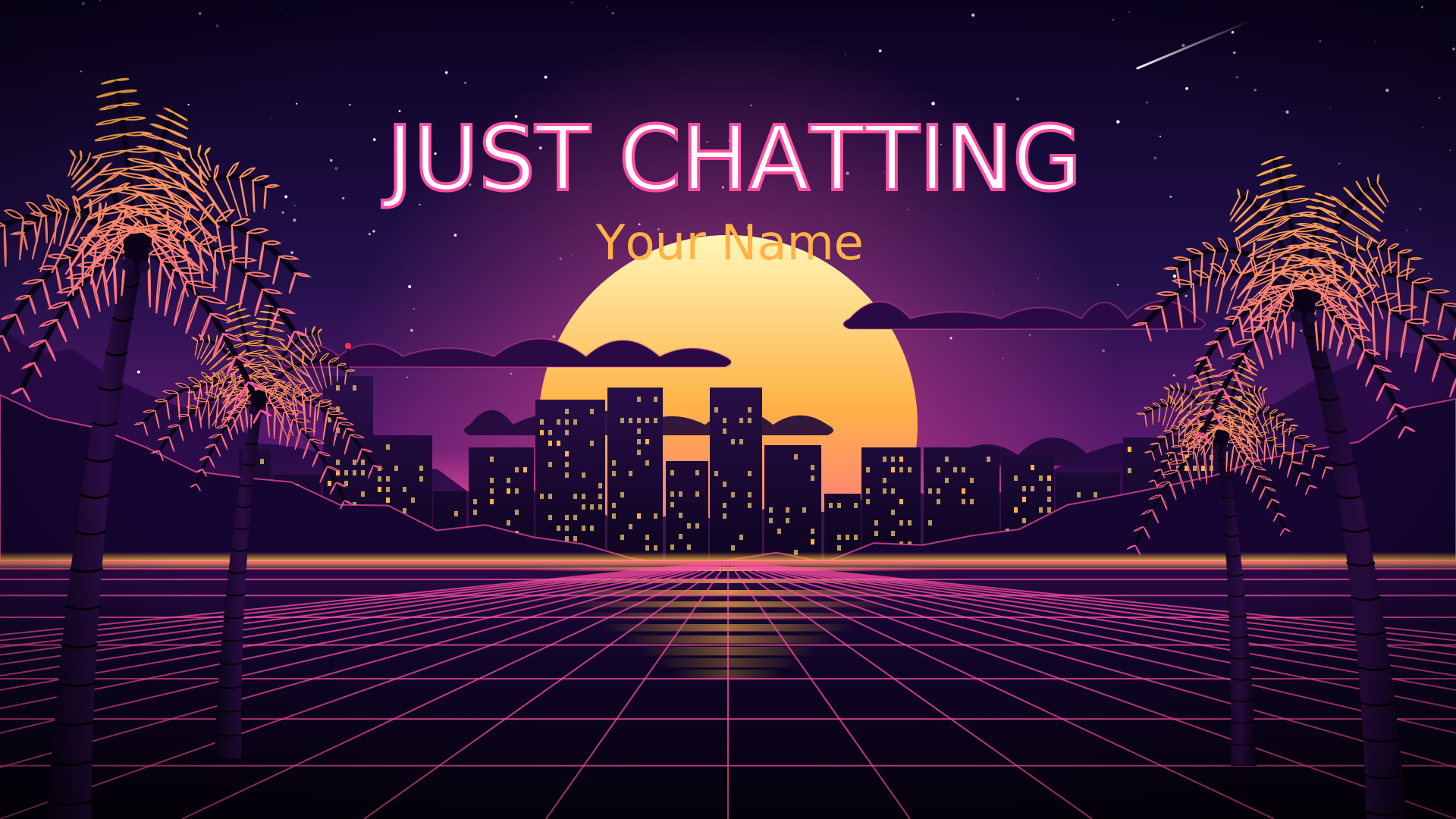
  • 4 screens: Starting Soon (live countdown), Be Right Back, Ending, Just Chatting
  • Webcam frame with a running light, and a socials bar
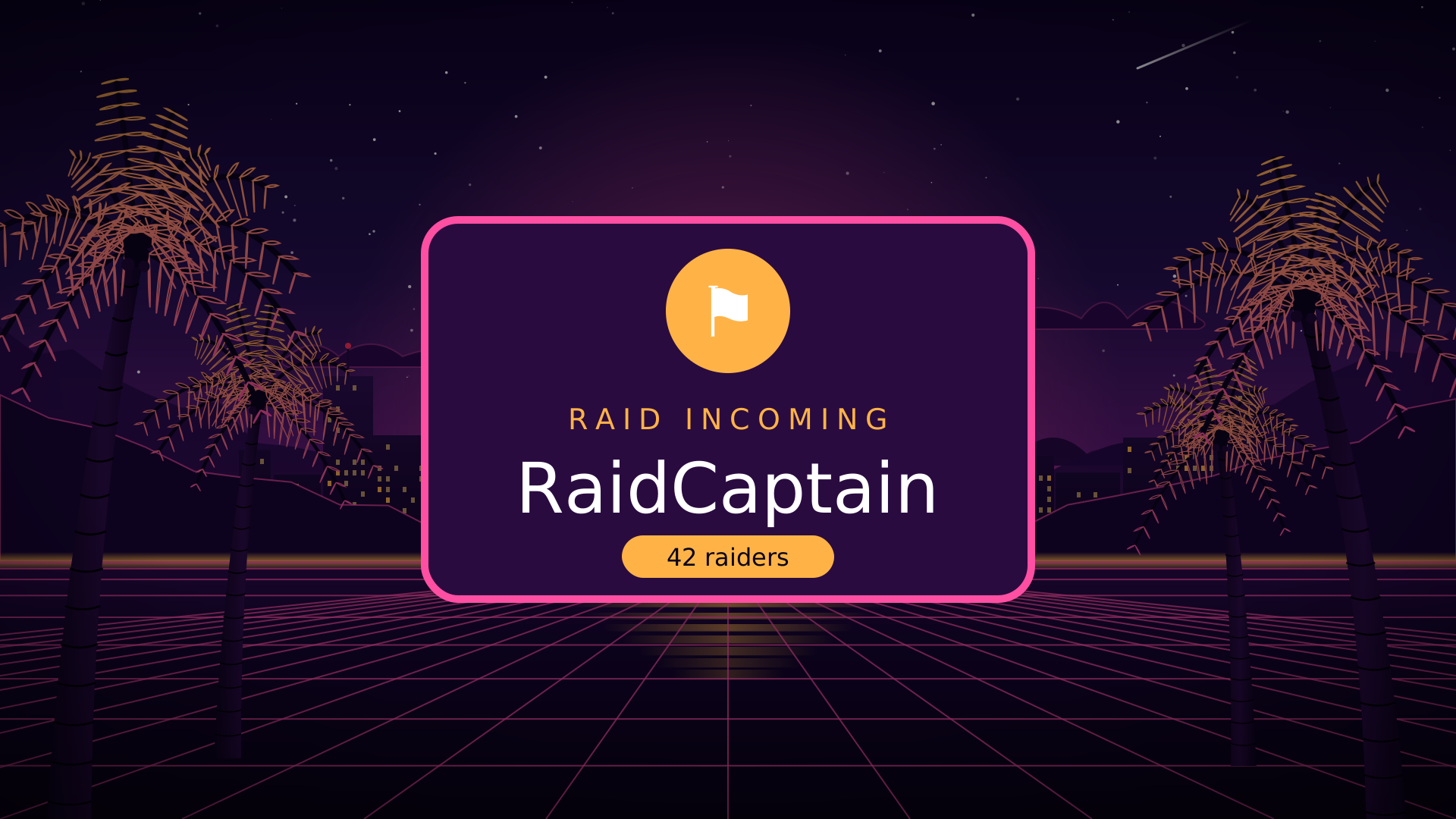
  • 6 alerts: follow, sub, gift sub, bits, donation, raid, each with its own sound (WAV, levelled to match)
  • 8 panels (PNG, made on your download page with your colours and language)
  • A transition that wipes in as each scene opens
  • 1920x1080 by default, 1440p (2560x1440) and vertical 1080x1920
  • OBS scene-collection file, offline HTML copies and a README
  • English, Português (Brasil), Español, Deutsch

Every scene, running live

Starting soon

Raid incoming

Just chatting

Transition

Webcam frame

New subscriber

Open any scene full size: Starting soon · Be right back · Thanks for watching · Just chatting · Webcam frame · Socials bar · New follower · New subscriber · Gift sub · Bits · Donation · Raid incoming · About · Schedule · Rules · Find me · Support · Setup · Commands · FAQ · Transition

See it on stream

Mock-ups: the real First Light scenes laid over an illustrated stand-in game and webcam, the way they sit on a live layout.
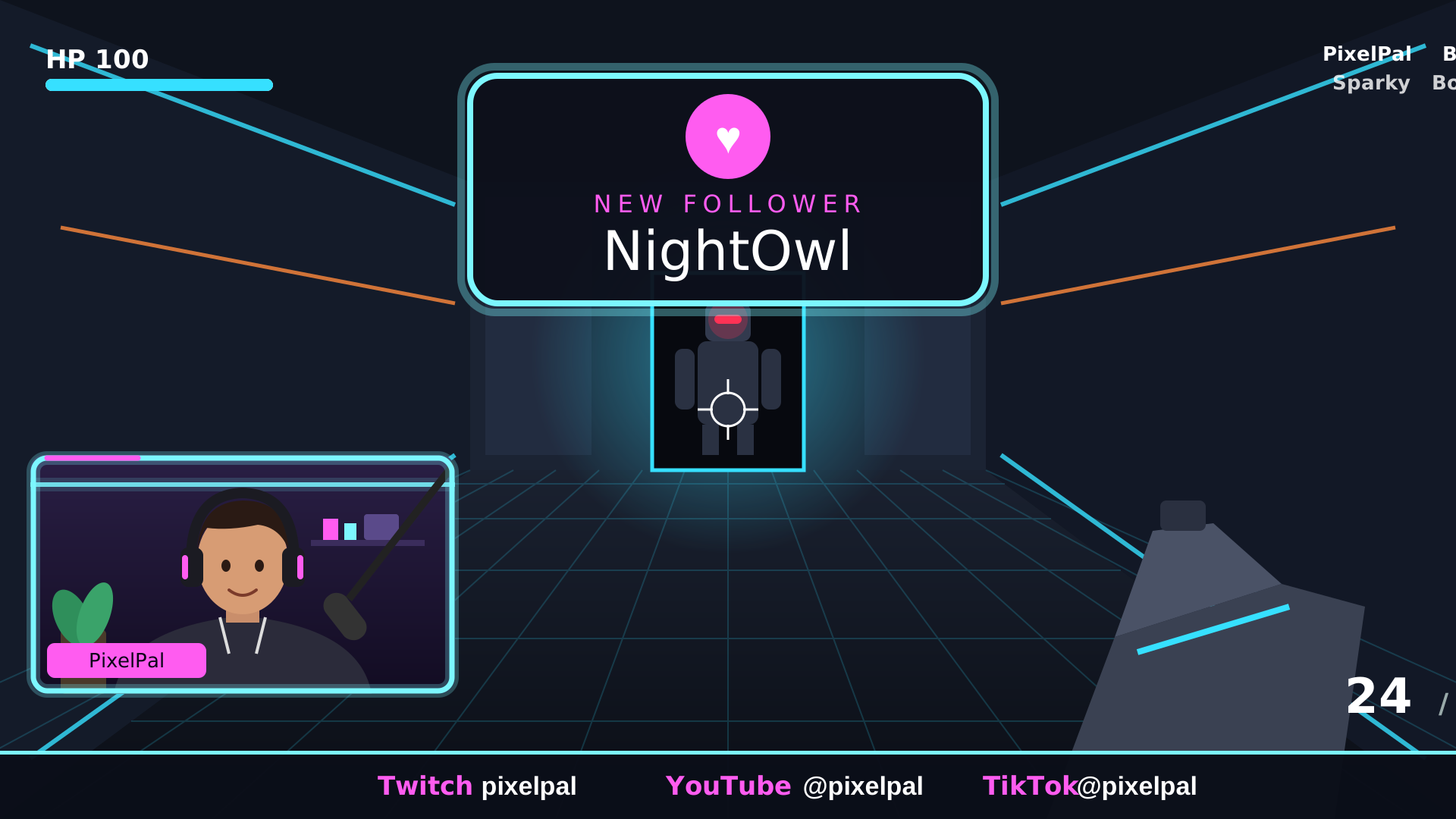
First Light on stream over an arena shooter

First Light over an arena shooter

Click to run it live: the real webcam frame, socials bar and follow alert.
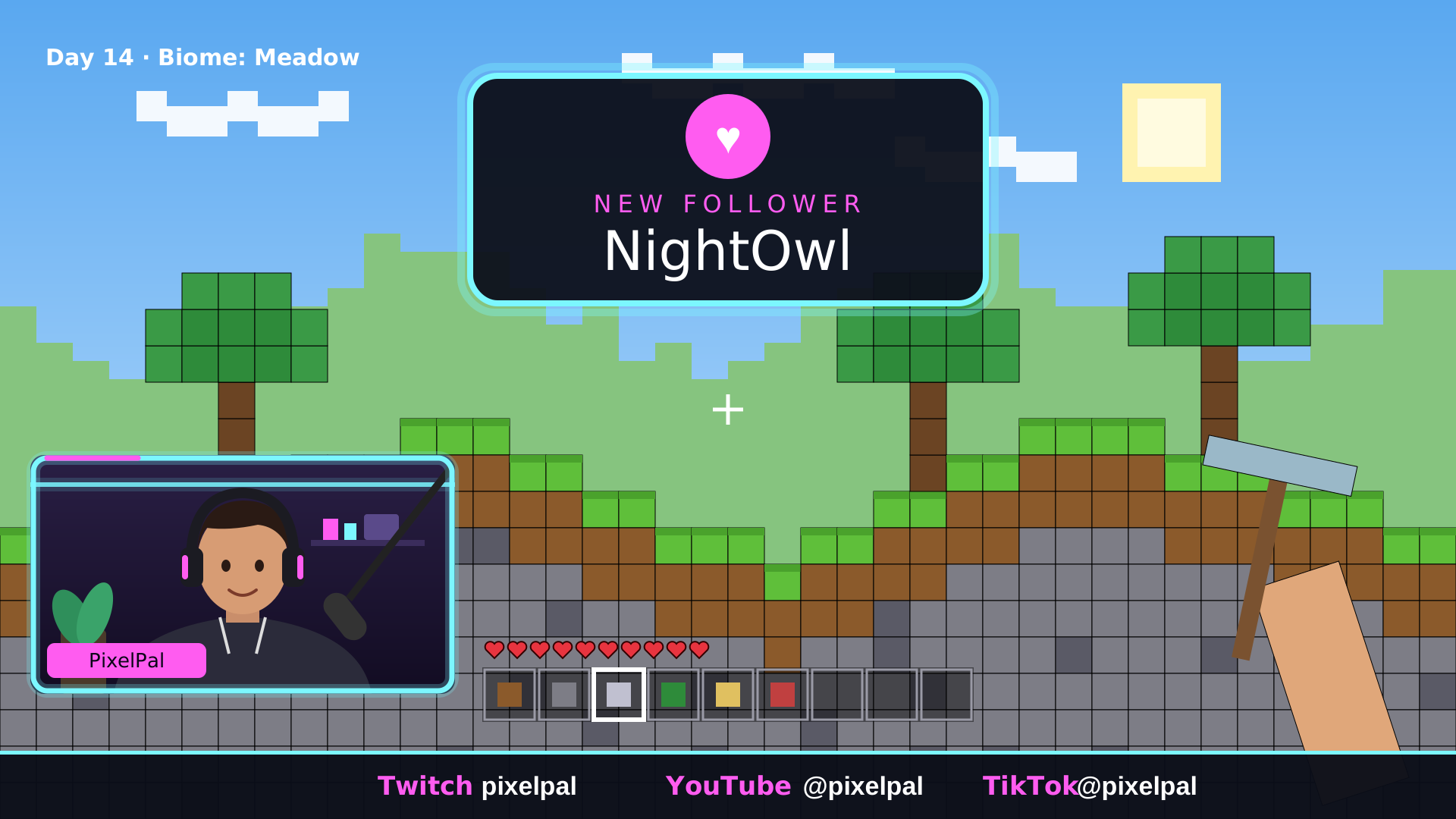
First Light on stream over a block-building game

First Light over a block-building game

Click to run it live: the real webcam frame, socials bar and follow alert.
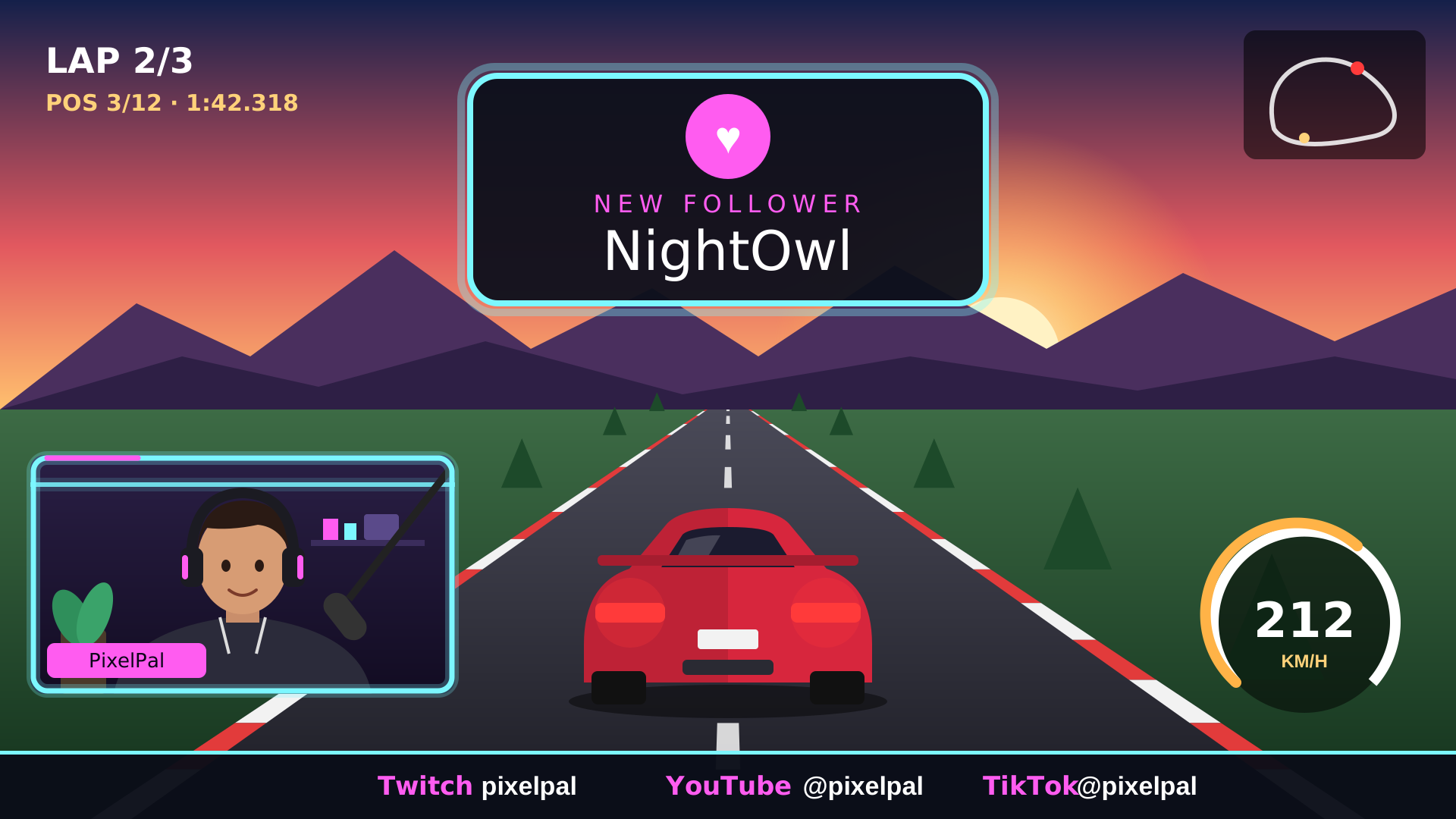
First Light on stream over a racing game

First Light over a racing game

Click to run it live: the real webcam frame, socials bar and follow alert.
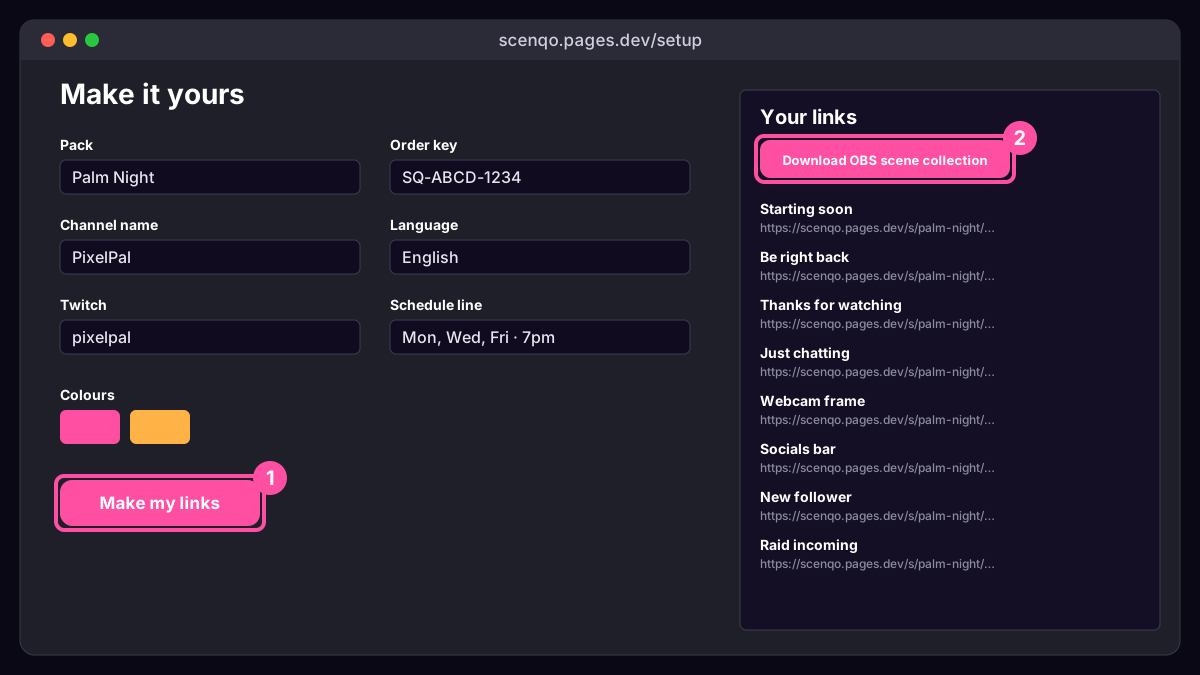
How to set up First Light

The setup page

1. Personalise

Press Personalise your links, type your name, colours and socials, and make your links.

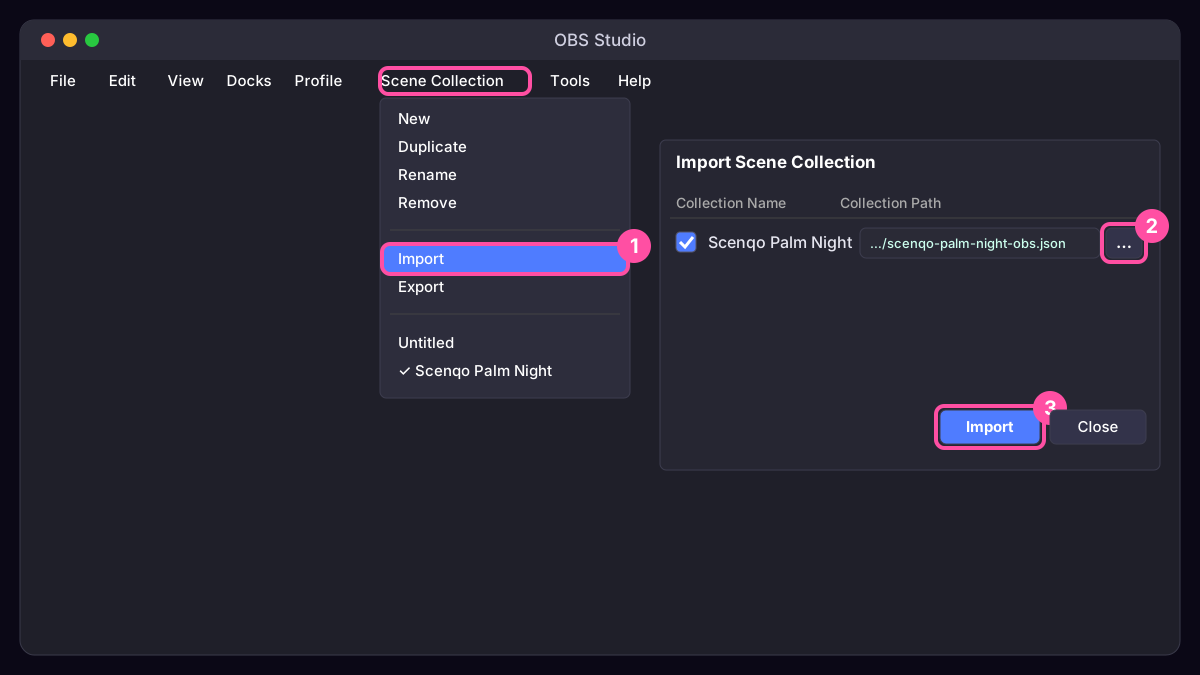
Scene Collection, Import in OBS

2. Import into OBS

Scene Collection, Import, pick the OBS file. Every scene is set up for you.

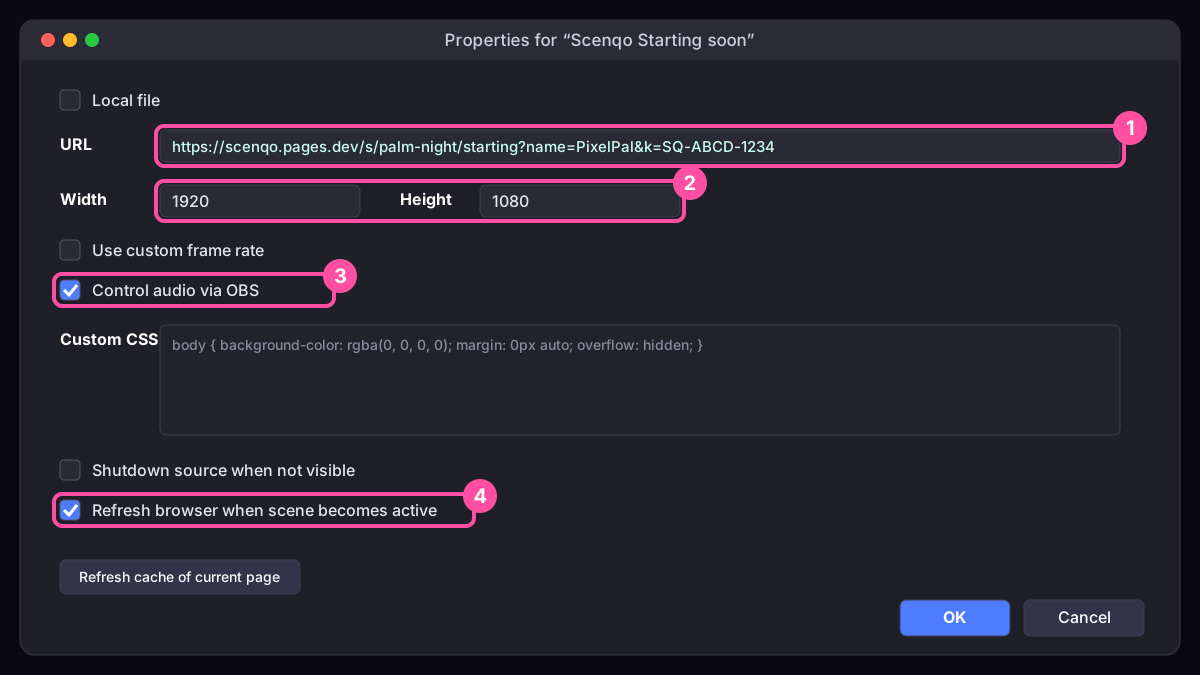
Browser source settings in OBS

3. Check and go live

Add your camera and game below the Scenqo sources, test an alert, and go live.

Full First Light setup guideHelp centreAsk us

In this pack

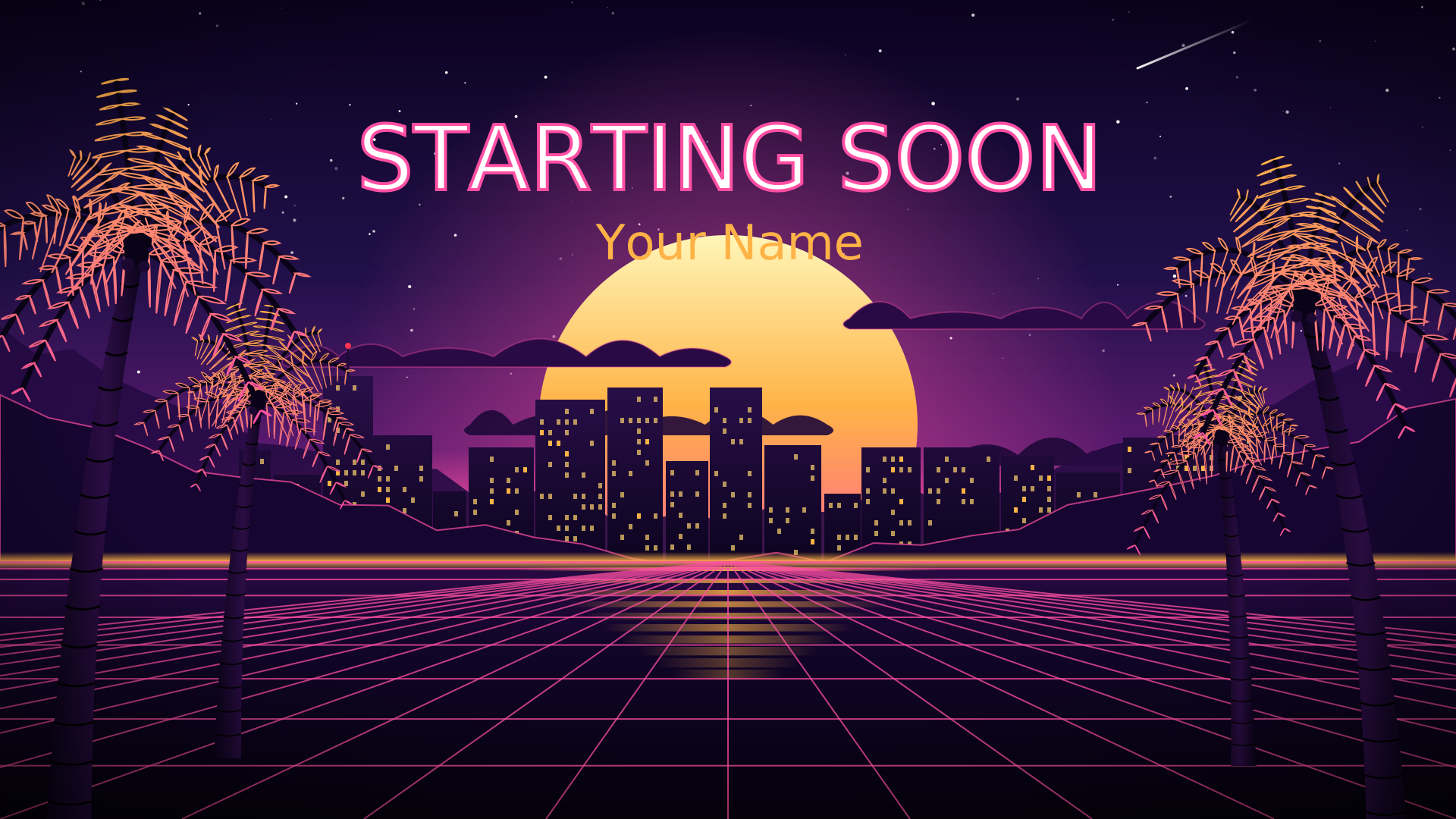
Want the synthwave city? Palm Night has the same parts with swaying palms, a striped sun and a moving grid.

You might also like

SALE · save $4Palm Night · Full pack

Palm Night · Full packSALE

Everything: 4 screens, webcam frame, socials bar, 6 alerts with sounds, 8 panels, the transition and the vertical versions.

Synthwave$18 $22
Palm Night · Alerts

Palm Night · Alerts

6 alerts (follow, sub, gift sub, bits, donation, raid), each with its own look and its own sound.

Synthwave$14
Palm Night · Overlays

Palm Night · Overlays

4 screens (Starting Soon with a countdown, BRB, Ending, Just Chatting), a webcam frame and a socials bar.

Synthwave$14
Palm Night · Panels

Palm Night · Panels

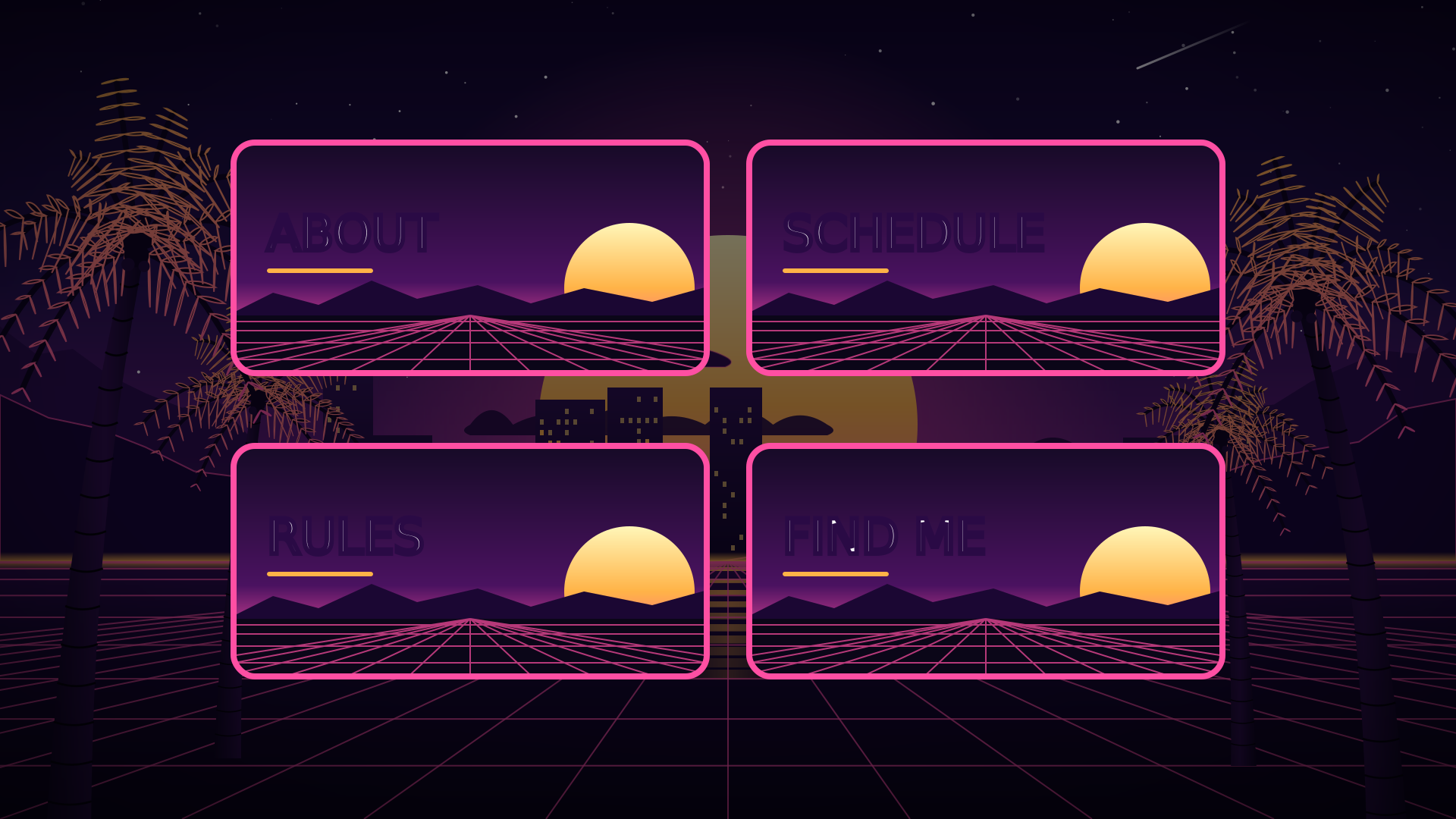
8 channel panels: About, Schedule, Rules, Socials, Support, Setup, Commands, FAQ.

Synthwave$8

Free tools for your channel

Offline banner makerFree Twitch panelsGiveaway picker and overlayStream title generatorAll 9 tools
? Help
Need a hand?
Set up Palm NightSet up First LightSomething’s not workingFind my orderContact us

We reply by email, usually within a day.